
How the Internet Actually Works in 2026: From Data to Your Screen (Complete Deep Guide)
The internet feels instant, but behind every click, video, and message is an extremely complex system of hardware, software, and global infrastructure working together in milliseconds.
When you open a website, your device is not just “loading a page”—it is communicating with multiple servers, routers, DNS systems, and undersea cables across continents.
1. What Happens When You Search Something

When you type a search query, your device does not directly “find” the answer. Instead, it sends a request to a search engine server.
- Your browser sends request data
- DNS translates domain names into IP addresses
- Servers process and return results
- Your browser renders the page
2. DNS: The Internet’s Phonebook
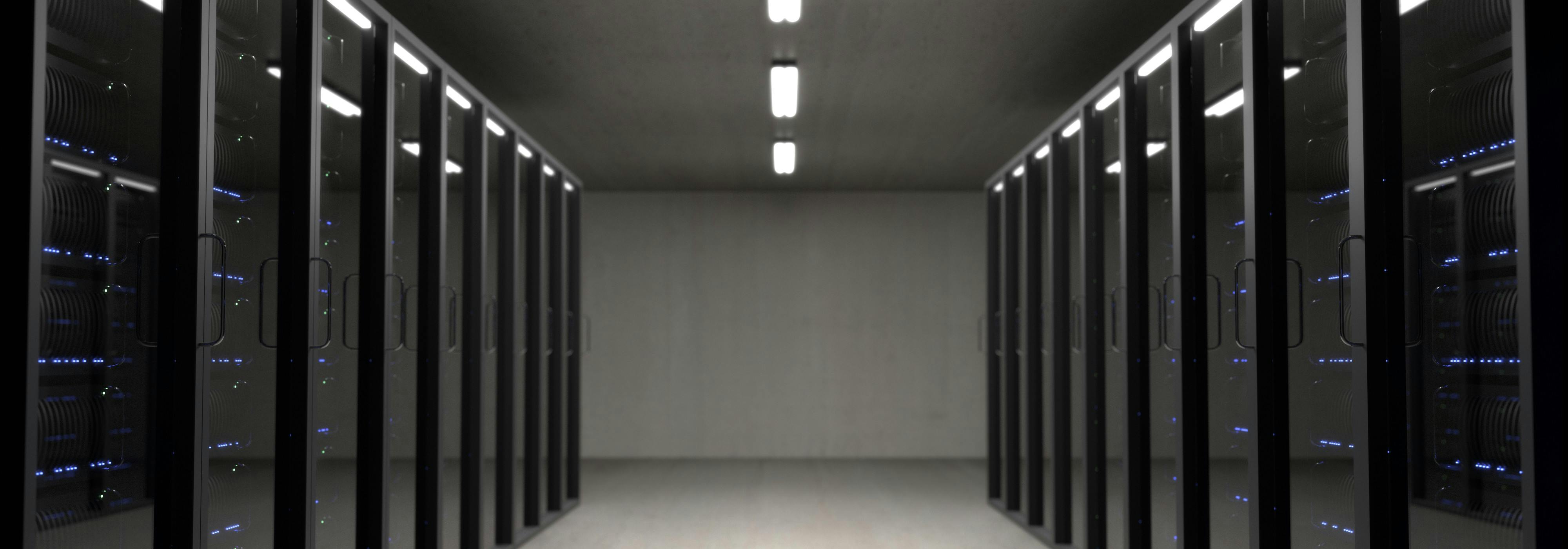
DNS (Domain Name System) converts human-readable names like google.com into machine-readable IP addresses.
Without DNS, you would need to remember numbers like 142.250.190.14 instead of website names.
3. How Data Travels Across the World

Data travels through a complex network of routers, fiber cables, satellites, and data centers.
- Fiber optic cables carry light signals
- Routers direct traffic across networks
- Data packets travel independently
- Packets are reassembled at destination
4. What Are Data Packets?
Instead of sending one large file, the internet breaks everything into small chunks called packets.
Each packet travels separately and may take different routes before being reassembled.
5. Servers: The Brain of the Internet
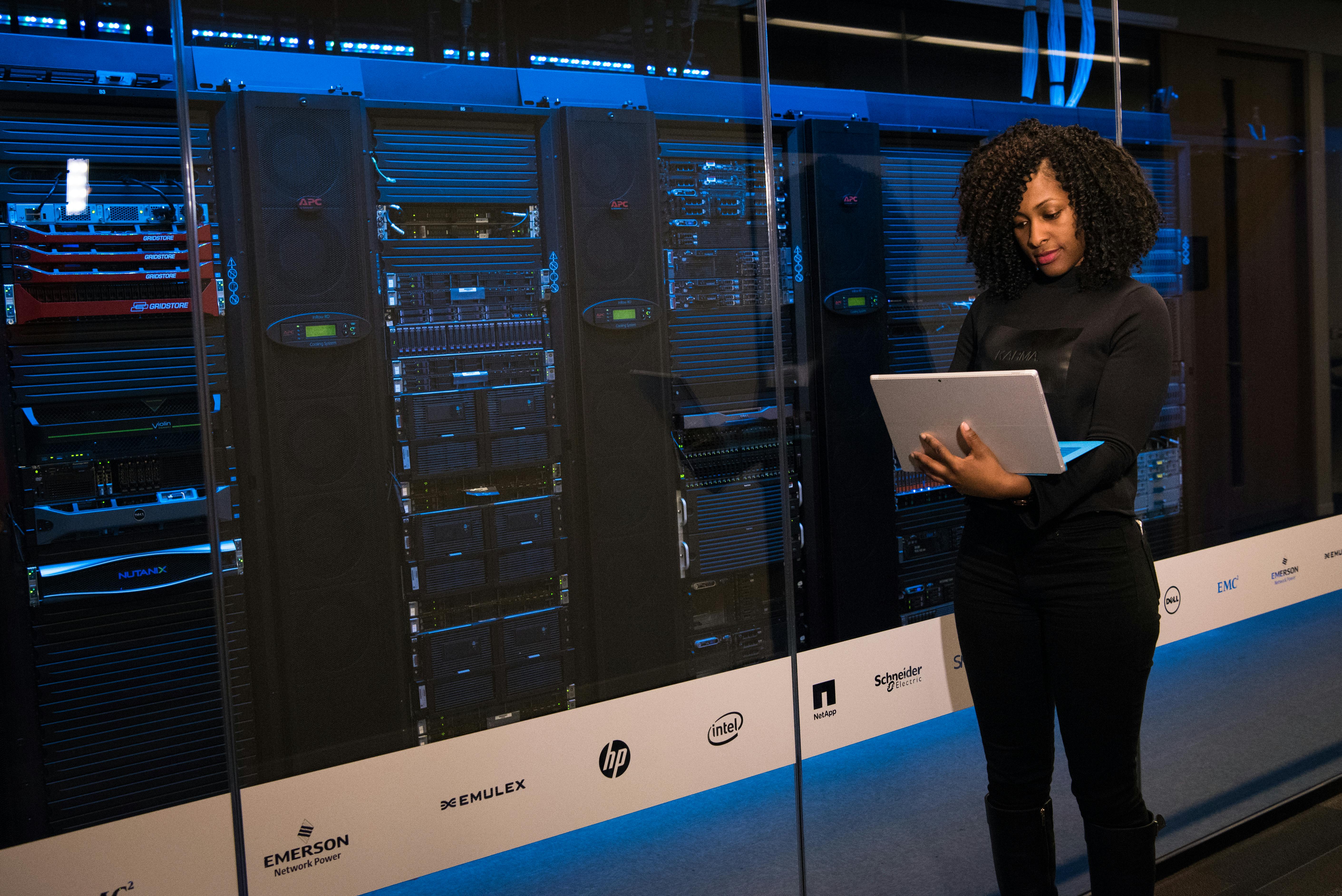
Servers store websites, apps, videos, and data. When you request something, a server sends it back to you.
- Web servers serve websites
- Game servers handle multiplayer games
- Cloud servers store data
6. Why Internet Speed Varies
Speed depends on multiple factors:
- Distance from server
- Network congestion
- Wi-Fi strength
- ISP limitations
7. How Websites Load in Your Browser
Your browser reads HTML, CSS, and JavaScript files and converts them into a visual page.
This process is called rendering.
8. HTTP and HTTPS Explained
HTTP is the protocol used for communication between browsers and servers. HTTPS adds encryption for security.
9. Cloud Computing
Cloud systems store data across multiple servers instead of a single machine.
- Google Drive
- Dropbox
- Netflix streaming
10. Internet Backbone
The backbone is made of high-capacity fiber optic cables connecting continents.
11. Mobile Internet vs Wi-Fi
Mobile networks use towers, while Wi-Fi uses local routers.
12. Cybersecurity Basics
Encryption protects your data from being intercepted.
13. Future of the Internet
Future internet will be faster, AI-managed, and more decentralized.
14. Conclusion
The internet is a massive global system of connected networks, servers, and protocols working together in milliseconds to deliver information instantly.
Learn more:
https://localmediaenginofficial.blogspot.com


No comments:
Post a Comment