Every single day, millions of users drag sensitive business contracts, personal photos, and proprietary audio stems into free online web converters. What most creators don't realize is that uploading these files hands data rights over to external servers, subjects you to strict queue limits, and runs compression algorithms that can destroy asset quality.
Moving to a completely local infrastructure allows you to run high-speed conversions securely on your own hardware. By utilizing programmatic layout reconstruction and high-fidelity parsing engines, file handoffs become instantaneous, secure, and completely unthrottled.
1. Document Processing: Native DOCX ↔ PDF Reconstruction
Converting text fields between Microsoft Word layouts and Portable Document Format architectures is notorious for messing up margins, throwing off font kerning, and altering page boundaries. Web utilities frequently approximate layout trees, destroying professional formatting blueprints.

With Media Engine's Document Infrastructure, conversions work via precise programmatic mapping. When shifting from DOCX to PDF, text bounding containers and vector assets lock into a permanent, uneditable framework. Conversely, parsing a PDF back to DOCX relies on structure-reconstruction engines that isolate text vectors, building editable layout components from flat text lines without loss of layout fidelity.
2. Imaging Pipelines: Multipage Compilation & Transparency Controls
Handling image assets requires distinct processing routes depending on target usage. Graphic designers and document administrators frequently need to merge multiple high-definition raw photos into isolated documentation books, or modify compression profiles for web delivery.
JPEG ↔ PNG Standardizing
Shifting graphic targets from PNG to JPEG strips heavy modern compression layers down into web-ready baselines. Going JPEG to PNG encapsulates files into rich matrix spaces containing full alpha-channel layers for editing adjustments.
Image ↔ PDF Compiling
Compiles multiple vector arrays or photos cleanly into solid target multi-page PDFs, or unpacks existing flat PDF sheets back out into crisp high-DPI rasterized image sets instantly.

The local imaging engine strictly isolates transparency channels. When stripping down modern multi-layer wrappers, alpha channels are either preserved perfectly within high-fidelity target files or compressed systematically to reduce web payloads—ensuring your images never look pixelated or washed out.
3. High-Fidelity Audio: Bit-Perfect MP3 ↔ WAV Transcoding
For podcasters and sound designers, conversion quality can make or break a project. Shifting files back and forth between lossy delivery layouts and raw studio masters requires absolute care to avoid destructive digital artifacts.
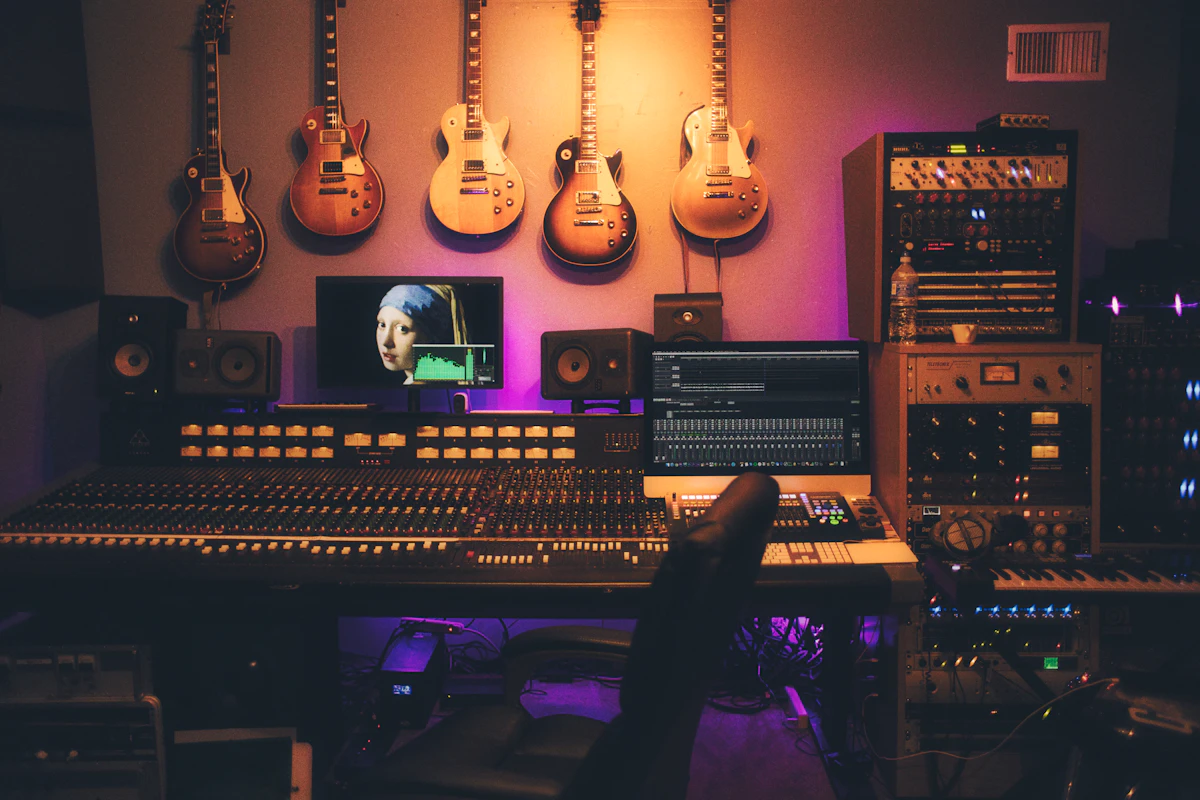
When converting MP3 to WAV, the local engine maps compressed data streams back into a non-destructive container, preventing further generational quality loss. While it cannot magically recover frequencies stripped away by original MP3 compression, it stops any further decay during the editing phase.
When processing WAV to MP3, Media Engine's high-bitrate audio engine processes raw, uncompressed pulse-code modulation (PCM) audio streams, compiling them through advanced psychoacoustic models to sharply discard unheard data. The result? Massively reduced file sizes that retain absolute acoustic clarity for streaming platforms.


No comments:
Post a Comment